

Meet your secure zero-knowledge digital vault that actually works
Arckeys stores your passwords, passkeys, credit cards, and private notes with client-side encryption. Secure your digital identity across all browsers and devices.
Join 10,000+ professionals, including people at:









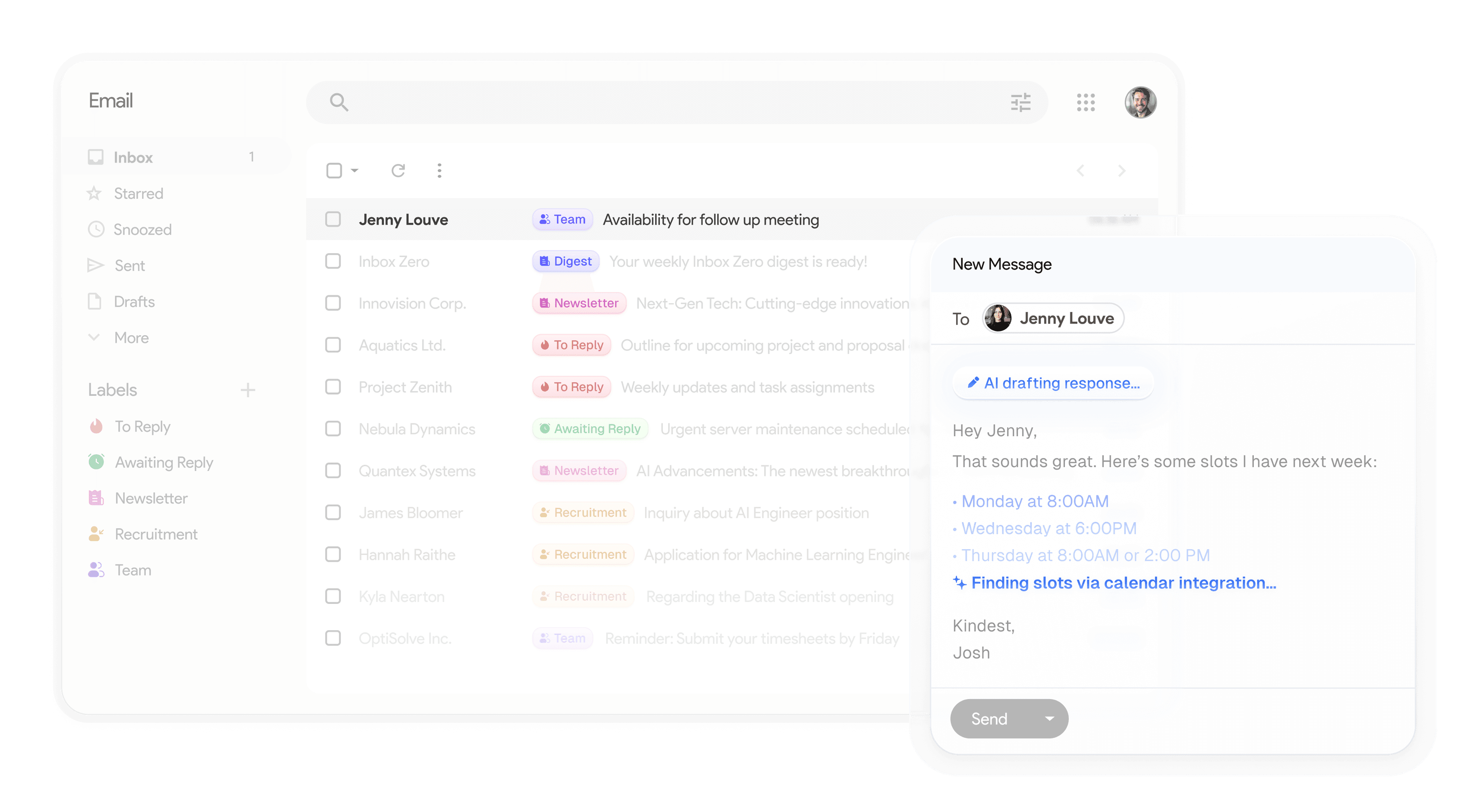
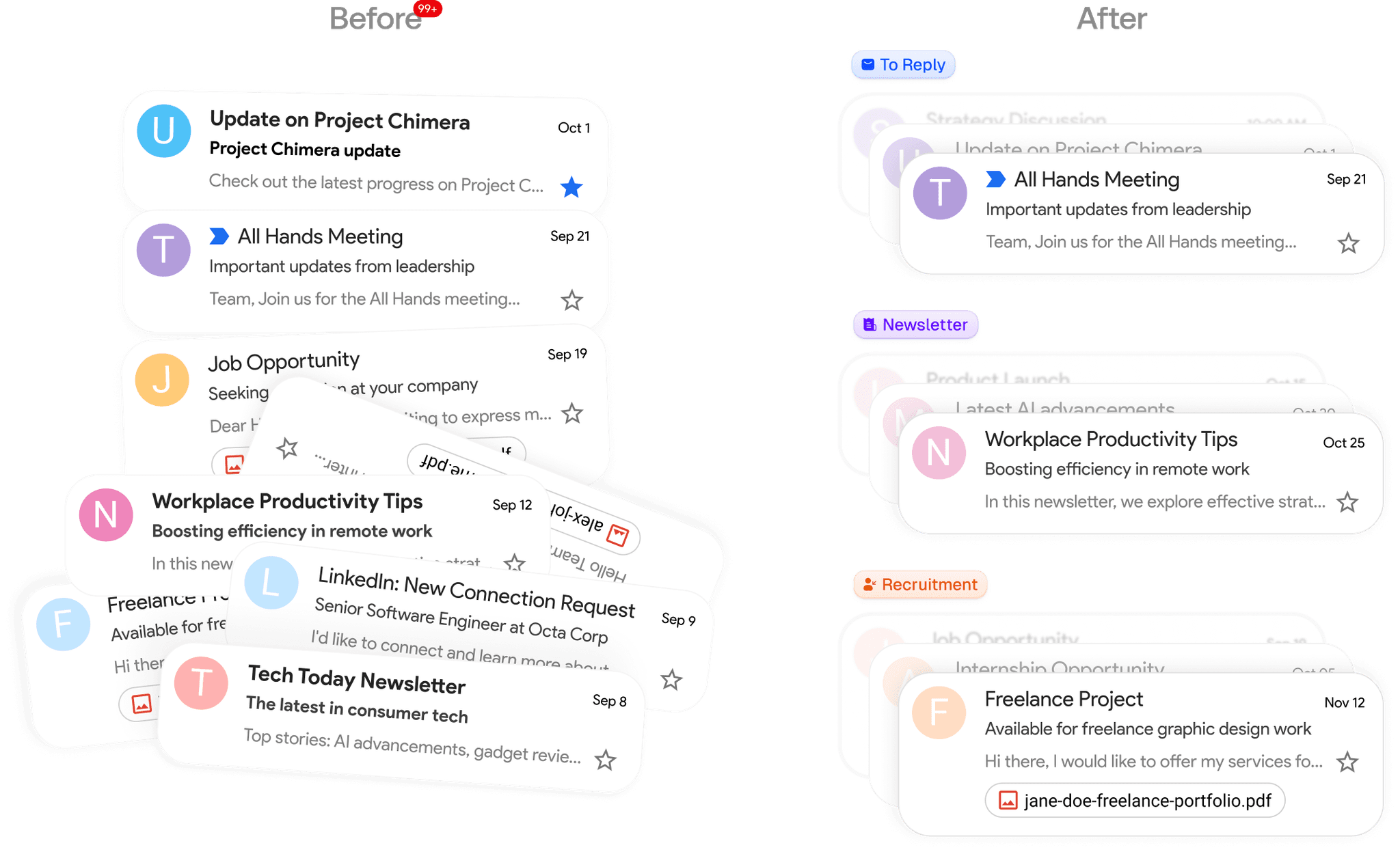
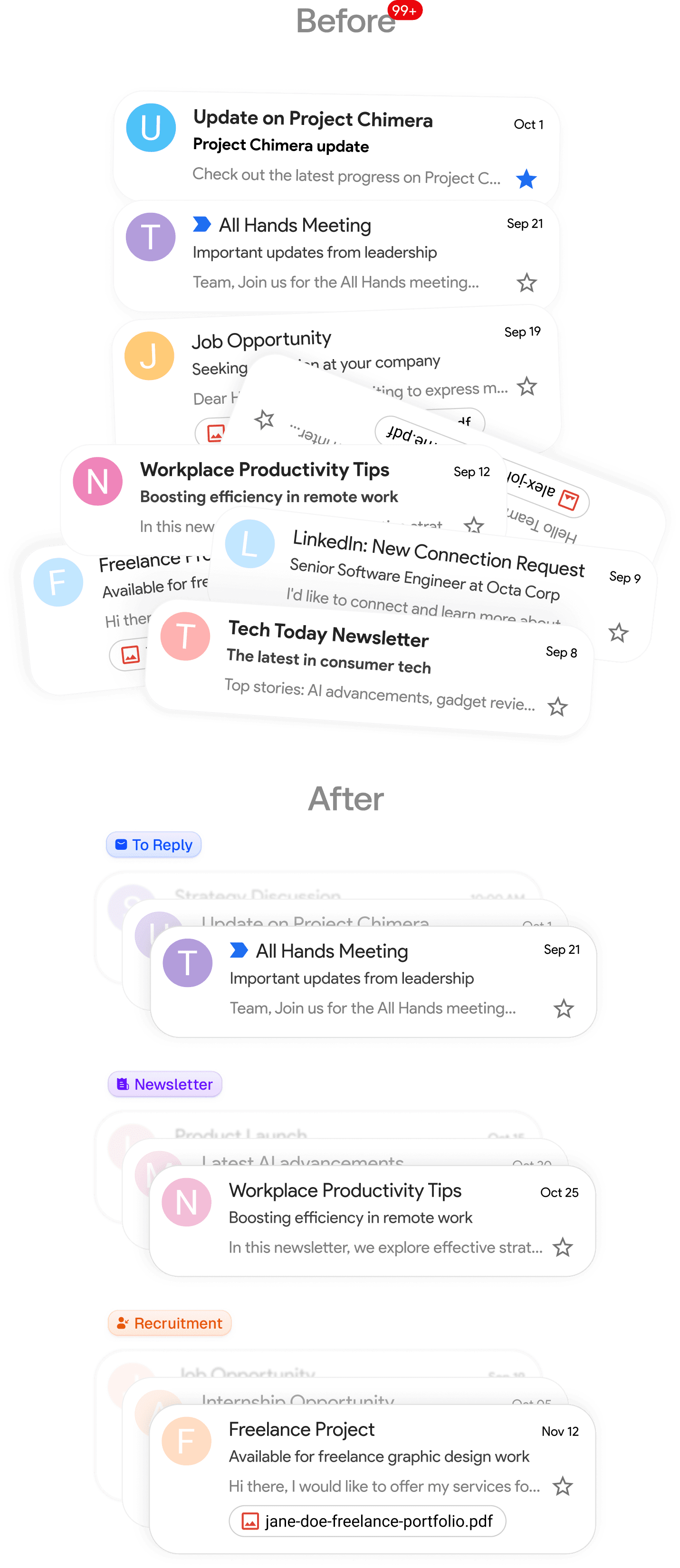
Automatically organized.
Never lose a credential again.
Drowning in usernames, passwords, passkeys, and recovery codes? ArcKeys organizes everything into smart, searchable categories, accessible in one click.
Encrypted vaults waiting on your devices
Whenever you access your accounts, every login field will have your secure credentials ready, autofilled and waiting for one-click entry.
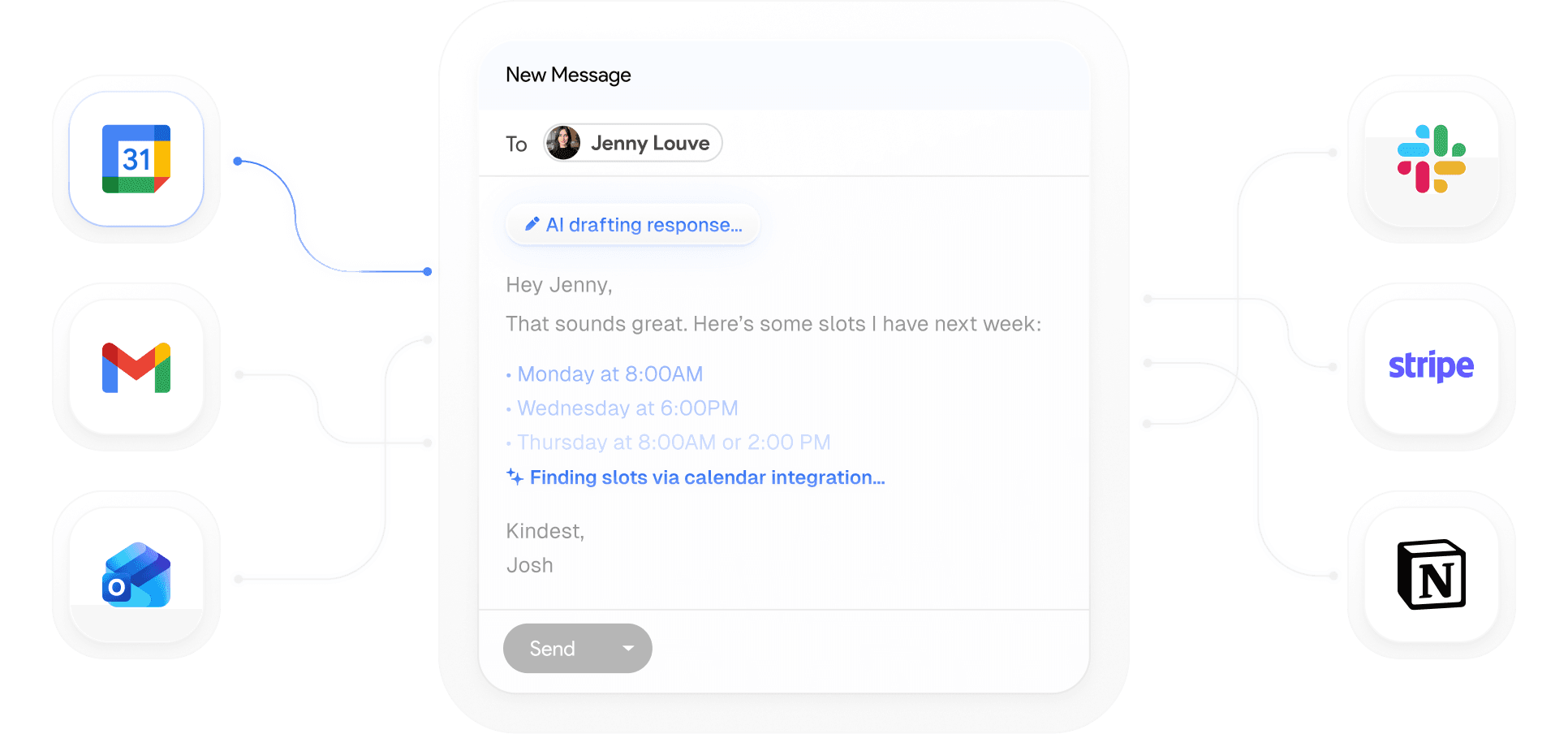
Your vault, on all your devices
Access your passwords, generate credentials, and autofill forms on Chrome, Firefox, Safari, or the web vault seamlessly.
Get started in minutes
One-click setup. Start securing and organizing your credentials in minutes.
STEP 1
Install the extension or launch web vault
Download our browser extension or open the web vault dashboard to get started.
STEP 2
Organize credentials your way
Vault items are automatically grouped. Organize passwords, passkeys, and secure notes into categories.
Passwords
Passkeys
Secure Notes
Cards
Private Keys
API Keys
STEP 3
Secure, instant autofill
Whenever you navigate to a login form, ArcKeys detects and fills your credentials securely.
Audit your password health.
Scan for compromised or weak credentials in bulk.
Scan your vault in seconds. See which passwords are weak, reused, or have been compromised in public data breaches, and secure them.
Sensitive documents, encrypted and organized
Securely upload passports, PDFs, tax receipts, and encryption keys. Organize them into folders and safely share access with team members or trusted family members.
passport-scan.pdf
ssh-private-key.pem
tax-returns-2026.pdf
Designed around how you actually work
Flexible enough to fit any workflow. Simple enough to set up in minutes.
Security Audits. Secure what matters most
Get clear insights on password strength, reused credentials, and potential compromises. Take action in one click.
Automatic sync across all your devices
Connects securely to your cloud vault. Syncs your encrypted credentials safely between browsers and devices.
Auto-saving & custom credential rules
Configure autofill behavior, add custom domains, or manage master password policies. Make your vault work the way you do.
Built on zero-trust architecture
Arckeys ensures your passwords, passkeys, and sensitive documents stay encrypted end-to-end, giving you complete data ownership.
Zero-Knowledge
Your master key is derived and used solely on your device. We can never see your passwords.
Web Crypto API
Built on standard Web Cryptography APIs for secure, hardware-accelerated local encryption.
Audit-Ready Code
Fully open-source codebase. Verify the encryption and security mechanics yourself.
Encrypted Sync
Seamlessly synchronize passwords, cards, and secure notes across all your devices.
Secure plans for every scale
Start protecting your digital identity today. Free plan available.
Free
Secure credential storage for individuals.
$0
/user /month
- Unlimited passwords & passkeys
- Secure notes & credit cards
- Autofill & password generator
- Unlimited device sync
- Zero-knowledge encryption
Premium
Expanded secure storage and premium vault features.
$2.99
/user /month
- Everything in Free plan
- 10 GB encrypted document storage
- Vault item history & restore
- Emergency access recovery
- Priority customer support
Enterprise
For teams requiring administrative controls and SSO.
Custom
- Everything in Premium plan
- SSSO & SCIM user provisioning
- Shared organization vaults
- Granular permission controls
- Dedicated account manager
Join 10,000+ users who trust Arckeys with their vault
Our users love the security, speed, and design of Arckeys.
Arckeys has completely replaced my old password manager. The passkey support is seamless, and knowing everything is encrypted zero-knowledge on my device gives me true peace of mind.
Jonathan L.
Security Engineer
The Chrome extension is incredibly fast. It detects login forms perfectly and autofills credentials and credit cards in milliseconds.
Steven T.
Tech Founder
Finally, a password manager that doesn't feel bloated. Simple, secure, and built browser-first with passkey support. Highly recommended.
Vinay K.
Developer
The encrypted notes and document attachment feature is exactly what I needed to store my recovery keys and sensitive files securely.
Yoni B.
Product Lead
We migrated our team credentials to Arckeys and it's been a game changer. The device authorization and logs let us track vault events easily.
Slim L.
IT Director
Zero-knowledge design done right. The client-side derivation of master keys is fully transparent, making it the most trusted vault I've used.
Will B.
Cryptographer
The interface feels clean and intentional. I can manage logins, notes, and cards without digging through unnecessary settings.
Maya R.
UX Designer
Arckeys made onboarding our startup much smoother. Sharing access is simple, and the vault feels secure without slowing the team down.
Dimas A.
Startup Founder
I use it daily for client accounts, banking portals, and secure notes. Everything feels fast, polished, and reliable.
Rachel M.
Operations Manager
The browser-first experience is excellent. Autofill works smoothly, and passkeys make sign-ins feel effortless.
Andrew C.
Full-stack Engineer
I needed a secure place for passwords, cards, and private notes. Arckeys gives me all of that without the clutter.
Sarah N.
Freelancer
The device approval flow gives me confidence that only trusted devices can access my vault. That's a huge win for security.
Kevin P.
DevOps Engineer
Arckeys has completely replaced my old password manager. The passkey support is seamless, and knowing everything is encrypted zero-knowledge on my device gives me true peace of mind.
Jonathan L.
Security Engineer
The Chrome extension is incredibly fast. It detects login forms perfectly and autofills credentials and credit cards in milliseconds.
Steven T.
Tech Founder
Zero-knowledge design done right. The client-side derivation of master keys is fully transparent, making it the most trusted vault I've used.
Will B.
Cryptographer
Finally, a password manager that doesn't feel bloated. Simple, secure, and built browser-first with passkey support. Highly recommended.
Vinay K.
Developer
The interface feels clean and intentional. I can manage logins, notes, and cards without digging through unnecessary settings.
Maya R.
UX Designer
The device approval flow gives me confidence that only trusted devices can access my vault. That's a huge win for security.
Kevin P.
DevOps Engineer
We migrated our team credentials to Arckeys and it's been a game changer. The device authorization and logs let us track vault events easily.
Slim L.
IT Director
Arckeys made onboarding our startup much smoother. Sharing access is simple, and the vault feels secure without slowing the team down.
Dimas A.
Startup Founder
I use it daily for client accounts, banking portals, and secure notes. Everything feels fast, polished, and reliable.
Rachel M.
Operations Manager
The encrypted notes and document attachment feature is exactly what I needed to store my recovery keys and sensitive files securely.
Yoni B.
Product Lead
The browser-first experience is excellent. Autofill works smoothly, and passkeys make sign-ins feel effortless.
Andrew C.
Full-stack Engineer
I needed a secure place for passwords, cards, and private notes. Arckeys gives me all of that without the clutter.
Sarah N.
Freelancer
Managing finance-related credentials is much less stressful now. The vault feels secure, organized, and easy to audit.
Nina F.
Finance Lead
We store client credentials in Arckeys and finally have a workflow that feels clean, trackable, and secure.
Brian H.
Agency Owner
The security model feels thoughtfully designed. Local encryption, passkey support, and clean access controls make it easy to trust.
Farah S.
Security Analyst
Arckeys strikes the right balance between power and simplicity. It gives me the features I need without overwhelming the experience.
Leo W.
Product Manager
Ready to secure your digital vault?
Start using Arckeys today.
Protect your passwords, passkeys, credit cards, and notes with zero-knowledge client-side encryption.
Frequently asked questions
- How does Arckeys secure my passwords and data?
Arckeys uses zero-knowledge client-side encryption. All your credentials, secure notes, and files are encrypted on your device before they are synced to the cloud. Only you hold the key to decrypt your vault.
- What is zero-knowledge encryption?
Zero-knowledge means we design Arckeys so that we have zero knowledge of the data stored in your vault. Your master secret never leaves your device, so we cannot access, read, or reset access to your credentials.
- Does Arckeys support passkeys?
Yes! Arckeys supports saving, generating, and logging in with passkeys (WebAuthn credentials). You can manage both passwords and passkeys seamlessly inside your secure vault.
- Is there a browser extension available?
Yes. Arckeys is built browser-first and has extensions for Google Chrome, Brave, Edge, and Mozilla Firefox, allowing you to generate strong passwords and autofill logins in one click.
- How can I request support or suggest features?
You can email us directly at support@arckeys.com. We are continuously improving our security and auto-fill features and love to hear your feedback.
- Can I try Arckeys for free?
Yes, you can sign up for free and start saving credentials right away. We offer personal vault features for individuals with no credit card required.